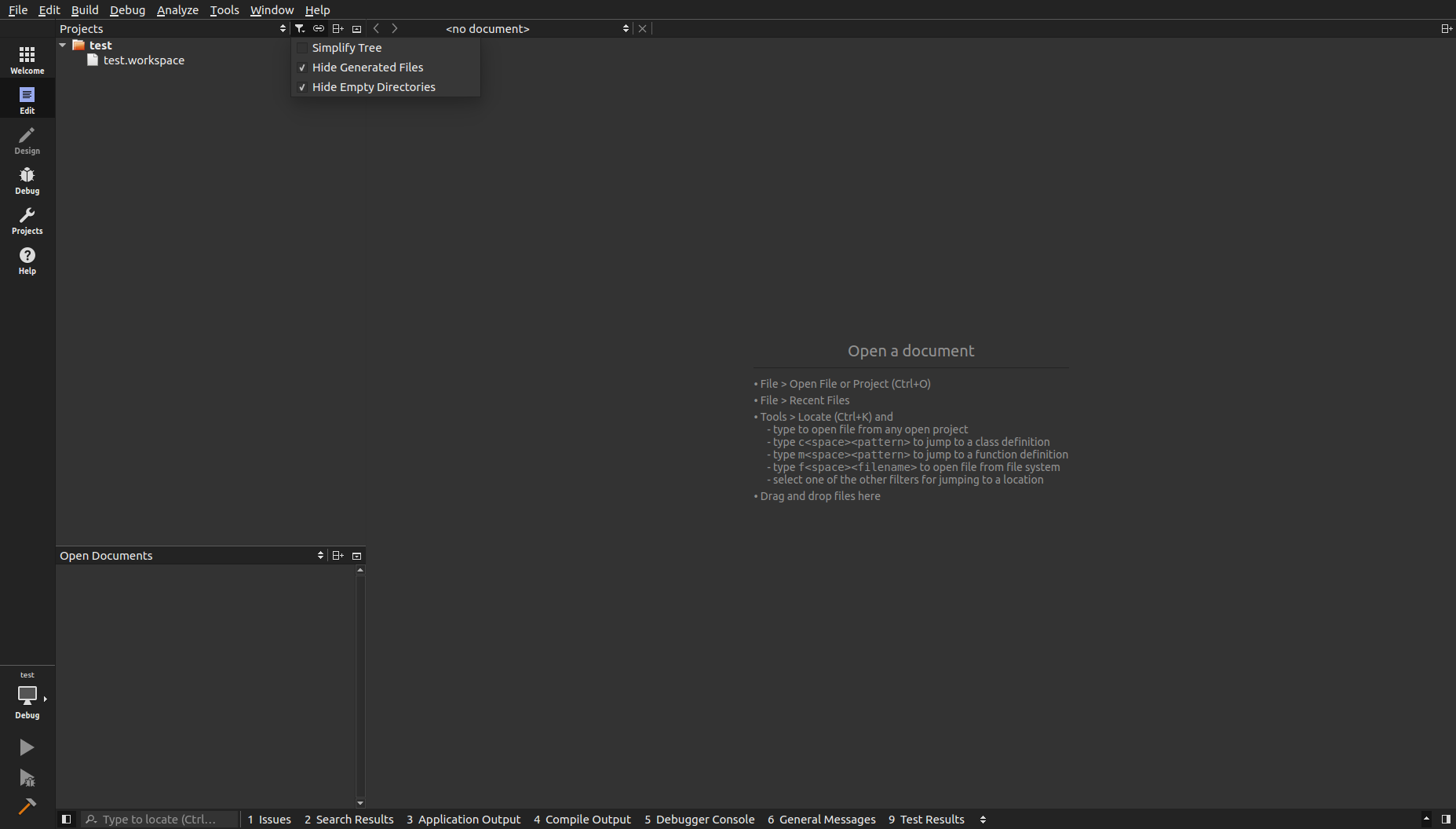
How to Import a ROS Workspace
This wiki explains the procedure for importing a ROS Workspace.
Note
The pictures may not look identical based on version but the process flow is the same.
User Guide
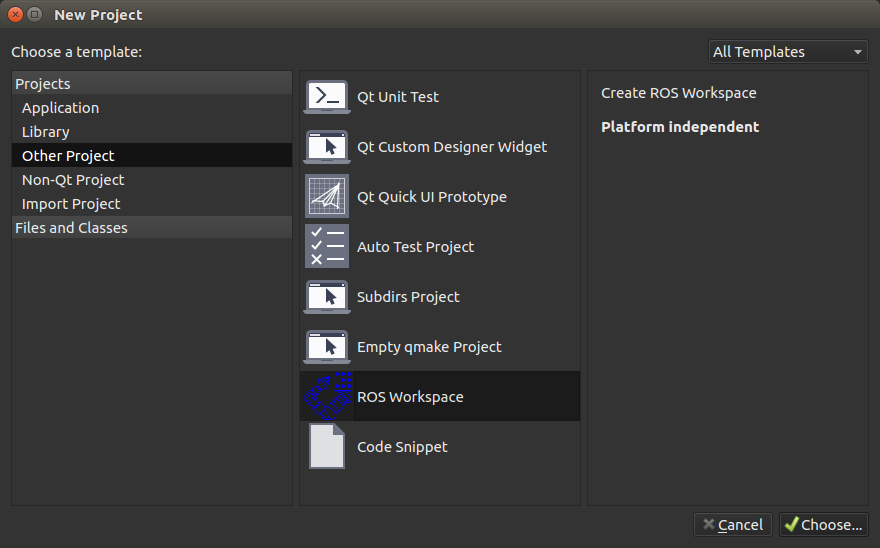
Step 2
Under Projects select Other Projects > ROS Workspace then select Choose... and the following screen should show.
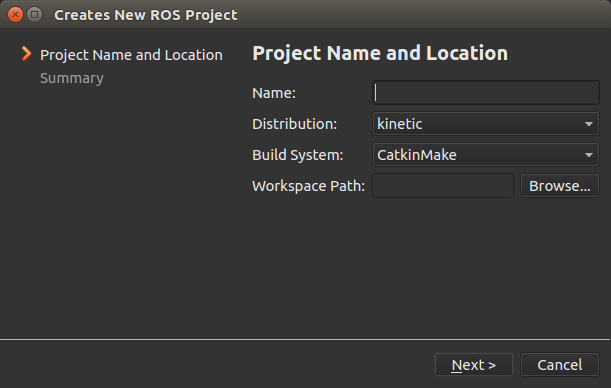
Step 3
Fill out the project information.
| Field | Description |
|---|---|
| Name | Name of the project. |
| Distribution | The ROS Distribution (indigo, kinetic, etc.) |
| Build System | The desired build system. |
| Workspace Path | The path to the workspace folder. |
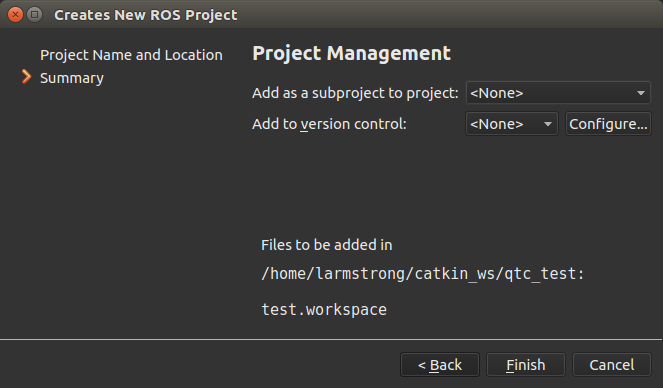
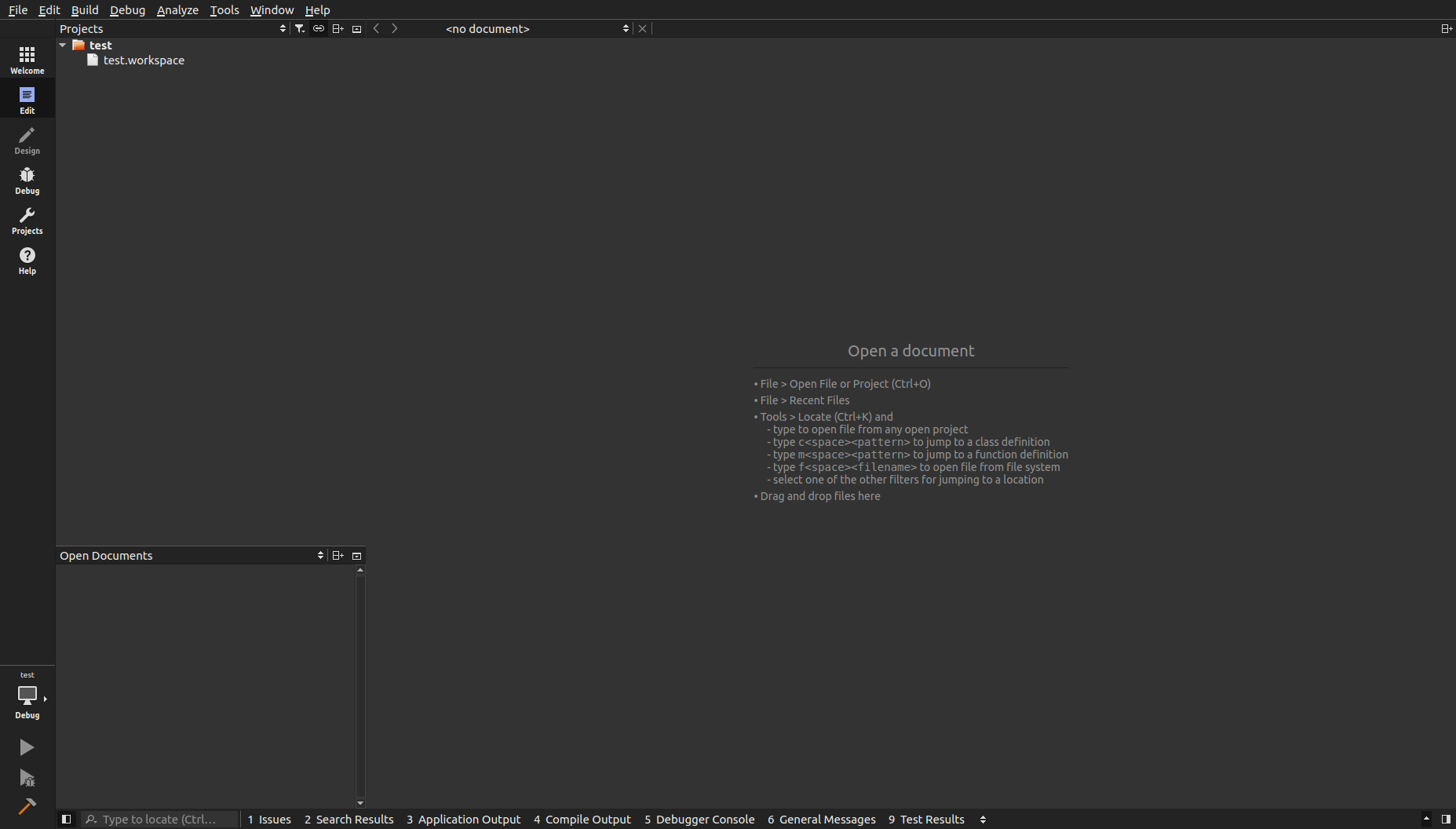
Step 6 (Optional)
By default Qt Creator hides empty folders. In the above image you can see that the workspace src folder is not shown. Under the project filters uncheck Hide Empty Directories.